▶
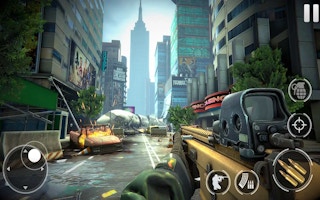
Play Now Commando Force 2
first-person-shooter
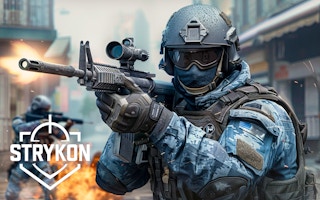
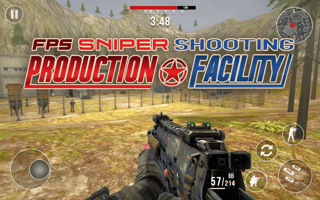
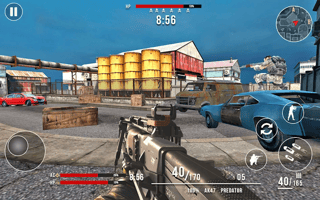
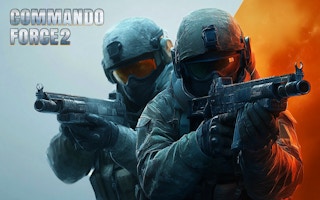
Vexon is a fast first-person shooter where intense firefights meet vibrant graphics and immersive soundscapes. Choose your arsenal, join epic team battles or go solo, and rise through the ranks with rewarding challenges. It is an action-packed world built to test your strategic and shooting finesse.
Learn one weapon well before expanding your arsenal — consistency beats novelty in ranked play. Stick with your team on objective modes and flank on solo runs. FPS games like this reward map knowledge: learn the sightlines and choke points, and your rank climbs on its own.
Play Vexon free on MiniGamesHub — no download, no sign-up, right in your browser on desktop, Chromebook, and mobile.
Yes — Vexon is 100% free. No download and no sign-up are required; it loads and plays instantly in your browser right here on MiniGamesHub.
Absolutely. Vexon runs in any modern web browser, so it works on desktop, laptop, Chromebook, and mobile (iOS and Android) with no app to install.
No. Vexon is a browser game — it starts in one click with no download, plugin, or installation.
Vexon is a first-person-shooter game. In action games like this one, you typically aim with the mouse and click to shoot, move with WASD or the arrow keys, and dodge incoming fire to survive as long as you can in Vexon. Controls: Usually: keyboard (WASD / arrow keys) + mouse.