▶
Play Now Shape Transform Shifting Rush
racing
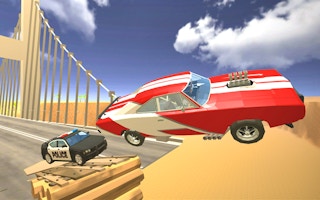
Hotgear is an open-city driving game about high-speed getaways. Customize your dream ride, take on explosive missions, and explore the streets at your own pace when you are not outrunning trouble.
Drive the open city, complete missions, and escape pursuits. Upgrading your car makes both getaways and mission runs noticeably easier.
Play Hotgear free on MiniGamesHub — no download, no sign-up, right in your browser on desktop, Chromebook, and mobile.
Yes — Hotgear is 100% free. No download and no sign-up are required; it loads and plays instantly in your browser right here on MiniGamesHub.
Absolutely. Hotgear runs in any modern web browser, so it works on desktop, laptop, Chromebook, and mobile (iOS and Android) with no app to install.
No. Hotgear is a browser game — it starts in one click with no download, plugin, or installation.
Hotgear is a racing game. Racing games in this style are usually controlled with the arrow keys: up to accelerate, down to brake, left/right to steer. Collect boosts and cross the finish line first. Controls: Usually: keyboard (WASD / arrow keys) + mouse.