· MiniGamesHub Editorial Team · Bored at School · 10 min read
20 Best Games to Play When Bored at School in 2026
20 hand-picked games to play when you're bored — all free in your browser, no download and no install, and they run on school Chromebooks or any device.

When you’ve got a few minutes to spare, MiniGamesHub has you covered with over 1,400 free HTML5 games that load instantly in your browser. Below are 20 real games from our catalog — every one embeds the actual playable title with its official cover art, so you can try it right here or open the full game page.
1. Halloween Horror Massacre
Slice and dice with iconic horror characters in Halloween Horror Massacre. Swiftly chop the tree while dodging descending branches in this creepy twist on classic lumberjacking. Enjoy fast-paced gameplay with a frightfully famous cast. Perfect for Halloween thrill-seekers and quick reflex masters alike!
Fast, reactive arcade action built for short bursts of fun. Play Halloween Horror Massacre on MiniGamesHub →
2. Fireball Vs Ice Cream
Evade relentless fireballs as a nimble ice cream in this fast-paced survival game. With intuitive controls and escalating challenges, maneuver expertly through fiery arenas. Stay alert and patient to increase your score and outlast the heat in this classic arcade-inspired thrill ride. Can you withstand the blaze?

Fast, reactive arcade action built for short bursts of fun. Play Fireball Vs Ice Cream on MiniGamesHub →
3. Counter Sniper 1.6 - Egypt
Sharpen your focus and take the perfect shot in Counter Sniper 1.6 - Egypt. As a lone marksman, eliminate armed threats with precision in dynamic urban landscapes while sparing innocent lives.…
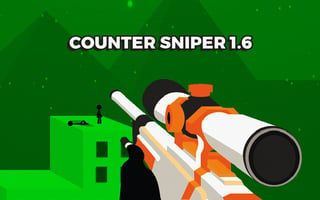
Fast, reactive arcade action built for short bursts of fun. Play Counter Sniper 1.6 - Egypt on MiniGamesHub →
4. Nut Sort Color Puzzle Game
Challenge your mind with Nut Sort, a captivating puzzle where organization is key. Match colorful nuts to their respective bolts, but beware! Increasing complexity with each level will keep you on your toes. Test your logic in this addictive, satisfying game that turns simple sorting into a brain-bending adventure.

Sharpen your mind with this clever puzzle — a perfect quick brain workout. Play Nut Sort Color Puzzle Game on MiniGamesHub →
5. Bouncing Egg
Guide a fragile egg through a vibrant pixel-art world, bouncing on rotating circles to smash menacing faces. With its simple tap controls and addictive gameplay, every moment demands precision, patience, and perfect timing. Can you master the escalating challenge and keep your egg intact?
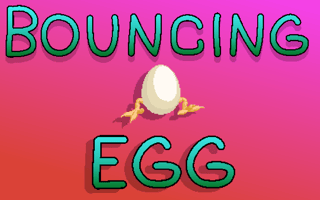
Fast, reactive arcade action built for short bursts of fun. Play Bouncing Egg on MiniGamesHub →
6. Choco Ball-Draw Line & Happy Girl
Guide cascading choco balls to satisfy a girl’s sweet tooth in this engaging game. Master the art of line drawing to navigate through fireballs and ice cubes, and keep precision and strategy sharp to conquer escalating challenges. Quick thinking and adaptability are your keys to victory.

Pick up and play sports fun — no gear required. Play Choco Ball-Draw Line & Happy Girl on MiniGamesHub →
7. Skating Hero
Glide onto the ice in Skating Hero, mastering three thrilling events as you showcase dazzling figure-skating moves. Perfect your timing and boost your skater’s skills, aiming for high scores with precise reflexes. It’s a captivating journey of speed and skill, now accessible for exhilarating free play.

Pick up and play sports fun — no gear required. Play Skating Hero on MiniGamesHub →
8. Double Checkers
Dive into Double Checkers, an exhilarating twist on the classic game. Strategically navigate two boards simultaneously, capturing opponents in a battle of wits. Master quick decision-making as each move counts on this dual battlefield. Whether alone or competing with friends, embrace the ultimate challenge.
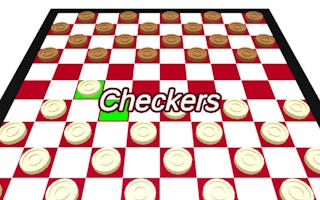
Classic board-game strategy, reimagined for the browser. Play Double Checkers on MiniGamesHub →
9. Mini Springs
Guide a plucky purple slime through compact, puzzle-laden levels in Mini Springs. With limited controls, bounce with precision via color-coded springs while dodging hazardous enemies and spikes. Test your reflexes and strategic timing to lead the slime to its new world, reaching the goal flag with finesse.
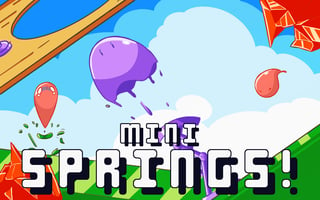
Fast, reactive arcade action built for short bursts of fun. Play Mini Springs on MiniGamesHub →
10. Boost Balloon
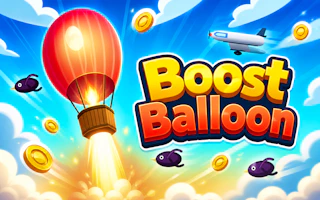
Easy, laid-back fun you can jump into instantly. Play Boost Balloon on MiniGamesHub →
11. Coin Merge Machine
Dive into the mesmerizing world of “Coin Merge Machine,” where simple mechanics meet exhilarating physics. Strategize your coin merges, unleash impressive combos, and watch your wealth soar.…

Sharpen your mind with this clever puzzle — a perfect quick brain workout. Play Coin Merge Machine on MiniGamesHub →
12. Slalom Hero
Race down snowy slopes in Slalom Hero, skillfully navigating between gates and grabbing boosts to outpace rivals. Gather coins to enhance your hero’s abilities and chase that elusive gold medal. With intuitive controls and charming visuals, it’s fun for the whole family to compete for the fastest time.

Pick up and play sports fun — no gear required. Play Slalom Hero on MiniGamesHub →
13. BloxdHop
Leap into BloxdHop, where thrilling parkour challenges await! Navigate intricate worlds, sprint and jump over daunting obstacles, and conquer your fear of falling. Earn gold, boost your avatar’s agility, and socialize through an integrated chat. Master every move and command to claim your spot at the top!
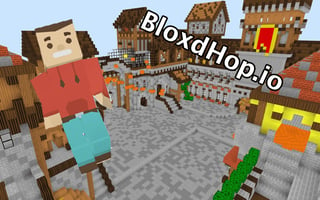
Fast, reactive arcade action built for short bursts of fun. Play BloxdHop on MiniGamesHub →
14. Flipper Dunk 3D
Master the art of the perfect dunk in Flipper Dunk 3D, where precision and timing are everything. With simple one-tap controls, navigate challenging hoops and obstacles, growing more complex with each level. Stay patient and find satisfaction in every perfect dunk as your skills evolve.

Pick up and play sports fun — no gear required. Play Flipper Dunk 3D on MiniGamesHub →
15. Rule out - The Dangerous Circle
Survive the dizzying peril of Rule out - The Dangerous Circle! Navigate a vibrant, ever-descending world using quick reflexes and strategy. Dodge unexpected obstacles, shift directions rapidly, and stay ahead of the deadly trap. Experience addictive gameplay with dazzling visuals that challenge your agility and wit.
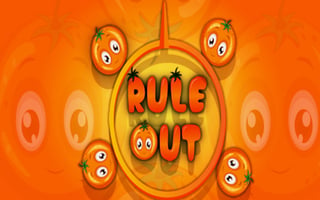
Fast, reactive arcade action built for short bursts of fun. Play Rule out - The Dangerous Circle on MiniGamesHub →
16. Drop Planets
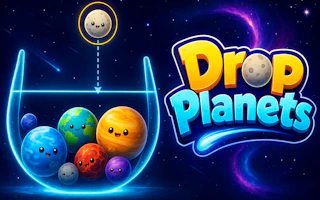
Sharpen your mind with this clever puzzle — a perfect quick brain workout. Play Drop Planets on MiniGamesHub →
17. Novice Fisherman
Embark on an angling adventure in Novice Fisherman, where your strategy and skill determine your success. Navigate dangerous waters, reel in impressive catches, and outsmart lurking sharks. With addictive action and thrilling challenges, hone your fishing prowess while upgrading gear to dominate the competition.
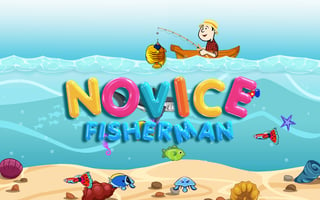
Pick up and play sports fun — no gear required. Play Novice Fisherman on MiniGamesHub →
18. Sweet Blast
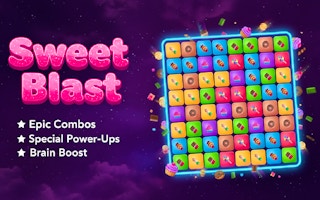
Match, swap, and chain combos in this satisfying match-3 challenge. Play Sweet Blast on MiniGamesHub →
19. Racing Project Kit
Unleash your inner racer in Racing Project Kit, where speed meets creativity. Craft your own circuits and fine-tune your car for peak performance. Challenge friends in split-screen mode and push the limits of track design for exhilarating races that test both skill and imagination.
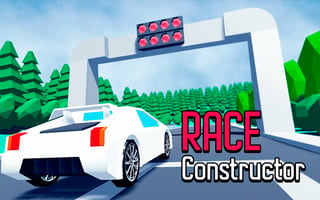
Pick up and play sports fun — no gear required. Play Racing Project Kit on MiniGamesHub →
20. Grimace Penalty
Test your precision and timing in Grimace Penalty, a thrilling soccer challenge. Outsmart the elusive Grimace goalkeeper by strategically placing your shots. Sharpen your reflexes to keep the momentum, as three missed goals spell defeat. Can you handle the suspense and score the winning goal?
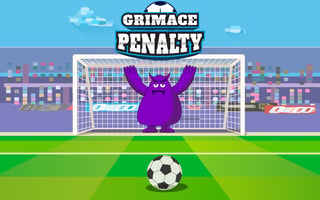
Pick up and play sports fun — no gear required. Play Grimace Penalty on MiniGamesHub →
Wrapping Up
That’s our pick of 20 games you can enjoy without downloading a thing. Every title above is a real game from MiniGamesHub’s catalog — bookmark this page and come back whenever you need a quick break.
MiniGamesHub Editorial Team
Content reviewed by the MiniGamesHub editorial team for accuracy and player safety. Read our editorial guidelines.